


Automate workflows with Microsoft Fabric PowerShell & REST APIs. Learn scripts, examples, and best practices for data management.
Mastering the Variable Library in Microsoft Fabric CI/CD
Master the Variable Library in Microsoft Fabric to streamline CI/CD workflows and deploy error-free pipelines.
Admin Settings You Must Configure in Microsoft Fabric Part 2
Before going live in Microsoft Fabric, review the top 10 admin settings—capacity, security, and workspace defaults- to avoid costly mistakes.
How to Plan Microsoft Fabric Capacity
Master Microsoft Fabric capacity planning in this blog. Learn what drives the cost and how to optimize it to avoid overpaying.
10 Things Microsoft Fabric Must Improve | Honest Review
Discover 10 things Microsoft Fabric must improve to boost performance and value. My honest review for 2025.
Admin Settings You Must Configure in Microsoft Fabric Part 1
Discover important Microsoft Fabric admin settings to configure first. Part 1 covers role assignment, tenant settings, and best practices.
Mirroring for SQL Server in Microsoft Fabric
Learn how to set up mirroring for SQL Server in Microsoft Fabric. Discover setup steps, monitoring, and key limitations in this guide.
Microsoft Fabric SQL Databases
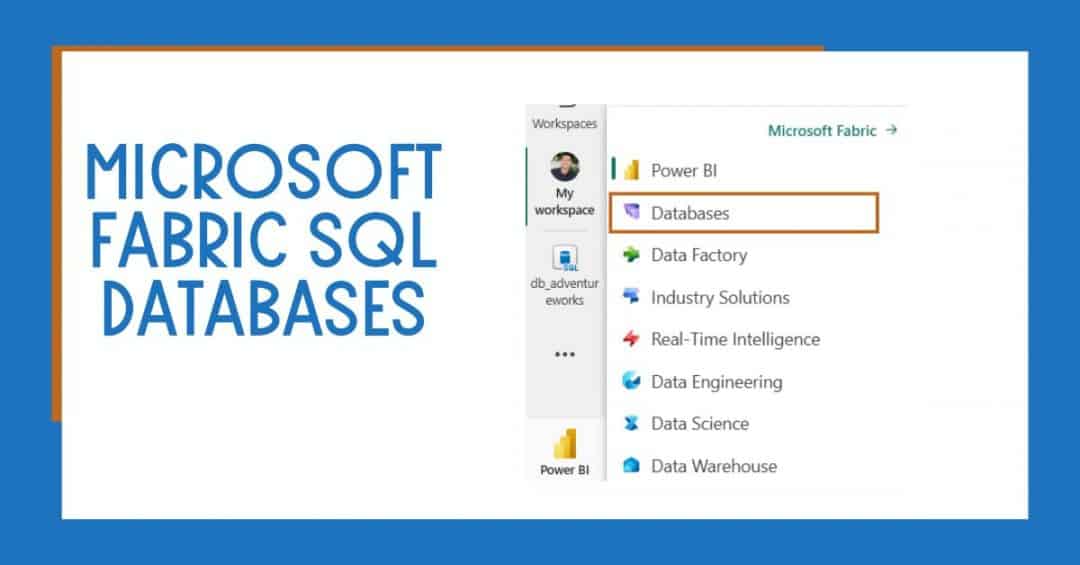
Learn about Microsoft Fabric SQL Databases, a highly transactional database offering leveraging the Azure SQL Database engine. Discover their features, benefits, use cases, and step-by-step instructions to enable and use SQL Databases in Microsoft Fabric.